Game Hub
Speed Stars Game Guide
Build a consistent left-right rhythm before pushing for speed. Irregular button timing makes your runner stumble, which costs more time than a slow but steady start.
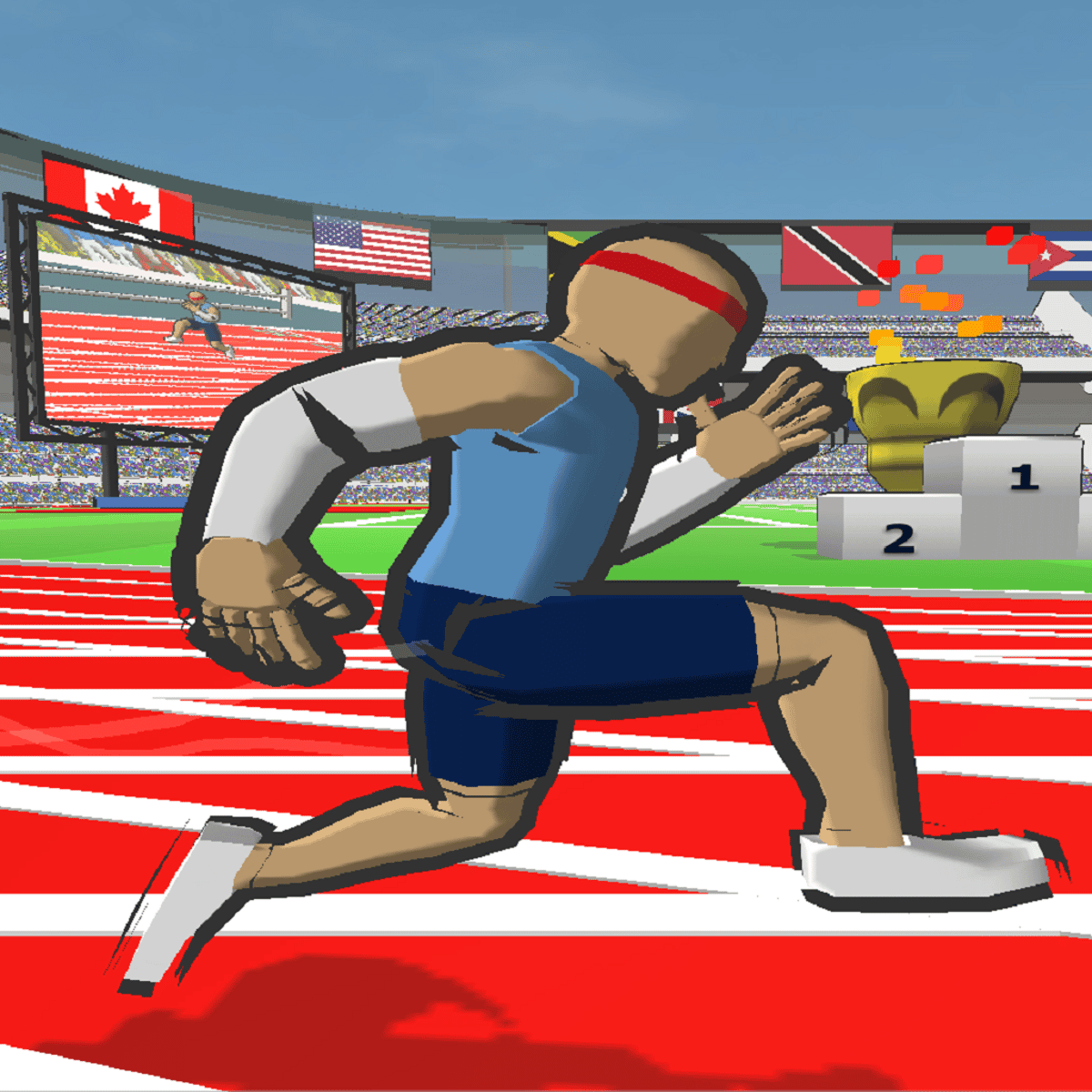
Build a consistent left-right rhythm before pushing for speed. Irregular button timing makes your runner stumble, which costs more time than a slow but steady start.
Current statusGood for current browser-play checks around sprint timing, controls, and short-session practice. Confirm the live game screen before chasing a personal-best route.
Official pageOpen official page
Last updated: May 8, 2026. Reviewed for the current play link, left-right rhythm, opening starts, and mobile tap checks.
Speed Stars is a rhythm-running game where small timing mistakes turn into slow starts, broken stride, or a missed personal best. This hub focuses on the parts players actually search: where to play, how the controls feel, and how to stop losing speed through bad rhythm.
Quick Answer
Treat Speed Stars like a timing game before treating it like a sprint game. Build a steady left-right cadence first, then push speed only after your runner stays balanced through the opening meters.
Quick Facts
| Item | Details |
|---|---|
| Main topic | Speed Stars |
| Category | Browser game guide |
| Best player question | where to play, how controls work, how to improve sprint rhythm |
| Source context | Poki page shows Speed Stars by Luke with new games category and high ratings |
What is Speed Stars?
Speed Stars is a browser-first track game about rhythm, stride timing, and chasing cleaner runs. The useful reader question is not a story summary; it is how to start safely, what controls to expect, and how to improve without turning every race into frantic button mashing.
The Poki link below gets you to the browser race without an installer. Speed Stars is a timing game first: if your left-right rhythm breaks, raw button speed stops helping.
Why is Speed Stars getting attention?
Speed Stars gets attention because runs are short, measurable, and easy to compare. A tiny improvement in launch rhythm or mid-race cadence can change the result, so players naturally search for controls and timing advice after a few failed attempts.
How to Play Speed Stars
Open the linked source first, then use the first race to learn cadence. The goal is not to mash faster; it is to alternate cleanly from the start and keep the runner balanced through the whole lane.
A good first session looks like this:
- Practice the opening left-right pattern before chasing a best time.
- Run one race slowly with no missed rhythm.
- Run one race faster and watch where cadence breaks.
- Compare start, middle, and finish instead of only the final time.
- Test mobile only if touch input keeps the same alternating rhythm.
Controls
Confirm the live prompt on the play page. Speed Stars usually revolves around alternating inputs, and the quality of that rhythm matters more than raw speed.
| Action | Common input |
|---|---|
| Left stride | Left arrow, A key, or left-side touch input |
| Right stride | Right arrow, D key, or right-side touch input |
| Restart race | End-screen retry or reset prompt |
| Menu | Esc key or menu icon |
| Mobile run | Alternating taps with clean spacing |
If the runner stumbles even when your timing feels right, try fullscreen and close heavy tabs. Sprint-rhythm games are sensitive to input delay.
Tips for Beginners
- Build a steady left-right rhythm before accelerating.
- If you stumble early, slow the opening two seconds and rebuild cadence.
- Compare split feel: start, middle, and finish can fail for different reasons.
- On mobile, keep both thumbs clear of the runner and timing cues.
- Avoid pages that require downloads or extensions before the race starts.
Games Like Speed Stars
If you like Speed Stars, Sprinter is the closest left-right rhythm comparison, Basketball Superstars keeps the sports timing angle, and Racing Online shifts the focus from stride rhythm to corner discipline.
Is Speed Stars Safe?
Use the linked Poki page or another reputable portal that starts the race in-browser. Avoid any page that requires an extension, executable, gambling prompt, or unrelated account before play.
What to Check Before You Play
Use this mini-checklist before spending time on Speed Stars:
| Check | Why it matters |
|---|---|
| Official source | Avoids fake race pages and download prompts |
| Alternating controls | The run depends on clean left-right timing |
| Start rhythm | A bad first second can ruin the whole race |
| Mobile layout | Touch rhythm must stay consistent on both sides |
| Similar sports games | Helps you pick another timing challenge |
Common Mistakes
Beginners usually mash both sides faster than the runner can handle. The better habit is a clean start, then gradual acceleration while the left-right pattern stays even.
Update Notes
If you revisit after an update, check stride controls, mobile tap spacing, race restart timing, and whether the run feels different at launch. Those details affect every personal-best attempt.
FAQ
Can I play Speed Stars in a browser?
Open the Poki listing linked below, then test left-right cadence before pushing for a personal best.
What should I look for first?
Start with the safe source, left-right controls, opening rhythm, mobile support, and restart speed.
Related Guides
| Guide | Why it helps |
|---|---|
| Sprinter | Similar left-right running rhythm |
| Racing Online | Timing and control discipline |
| Snow Riders | Reflex route reading |
Sources
Bottom Line
Speed Stars is worth playing when you want a short skill loop with a visible improvement curve: learn the rhythm, protect your stride, and use each retry to fix one part of the race.
FAQ
Where can I play Speed Stars?
The Poki listing linked on this page is the official source. Avoid mirror sites that require downloads, signups, or browser extensions before the race starts.
Is Speed Stars free?
Speed Stars is free on Poki. Check the source page for device compatibility and any current ad format notes.
What are the controls in Speed Stars?
Speed Stars uses alternating key presses — typically left and right arrow keys or A and D — to simulate running stride. The timing of each press determines whether your runner accelerates cleanly or stumbles.
How do I improve my time in Speed Stars?
Focus on keeping a steady rhythm rather than hammering keys as fast as possible. Players with the best times maintain consistent alternating inputs from start to finish rather than bursting and losing cadence mid-race.