
Guides
Alchemy Puzzle Elements Guide
Quick Answer
Group elements by family first: natural-with-natural, tool-with-target, scene-elements last. Upgrade matching duplicates before cross-family testing. Follow board glow before dragging.
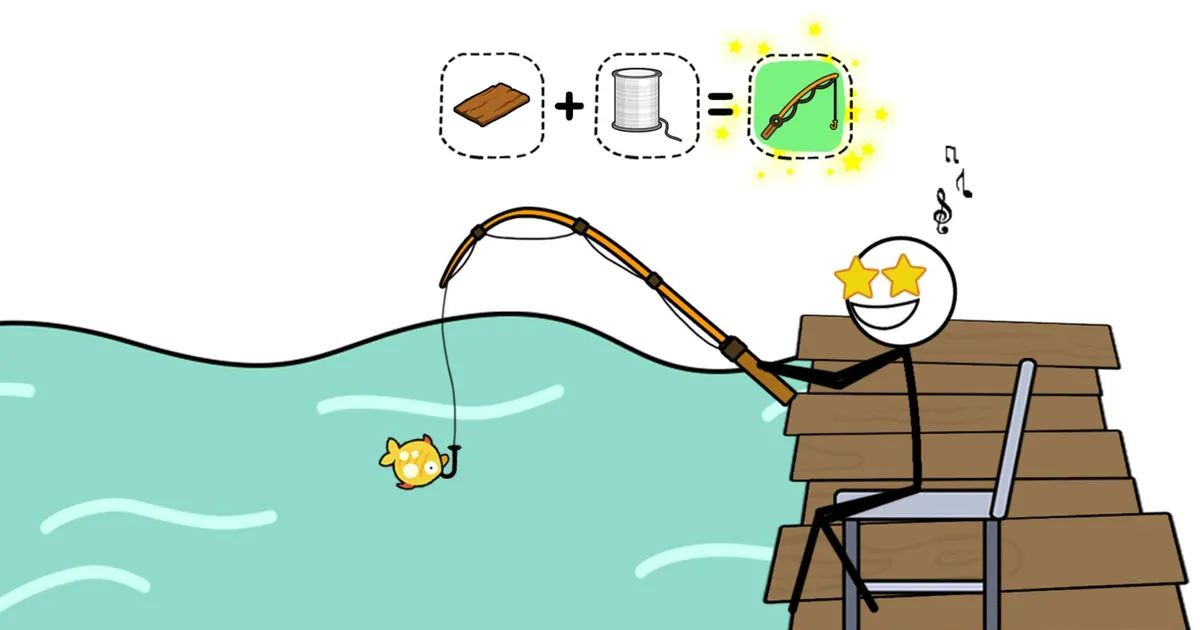
The most common stuck point in Alchemy Puzzle is treating every element as equally likely to pair with every other element. It is not a pure guessing game. The board gives visual feedback, the upgrade rule is public, and element types follow consistent logic. Once you sort your inventory by family and read the board before dragging, the right combinations narrow down quickly.
Last checked: May 18, 2026. Element families and upgrade rules based on public game pages. Puzzle contents vary by level.
Quick Answer
Sort before you combine. Natural elements pair with other naturals. Tools need a board target, not another tool. Scene elements come last and need a natural or tool activator. Upgrade any group of three or more matching duplicates before you test cross-family pairs.
Check Your Inventory Before You Drag Anything
Running a quick inventory check at the start of each level saves hints and cuts wasted attempts. Use this checklist:
- Count duplicate elements. Three or more of the same item means an upgrade is available — do it now.
- Identify which elements are natural (water, fire, wood, stone, earth, air and related materials).
- Identify which elements are tools or action items (axe, bucket, key, rope, shovel and similar).
- Identify which elements are scene or character items (NPCs, buildings, doors, decorations, locked objects).
- Scan the board for glowing outlines before picking up any element.
This takes under a minute and removes the largest category of wasted moves before the puzzle starts.
Identify Which Family Your Element Belongs To
Alchemy Puzzle elements fall into three groups. Each group has a different combination logic.
Natural elements include objects drawn from the physical world: water, fire, earth, air, wood, stone, ice, and similar materials. The default test for a natural element is another natural element. Water and fire produce steam. Wood and fire produce ash. Earth and water produce mud. The combinations follow real-world reactions, so if the result makes sense outside a game, it is worth trying. When no natural-with-natural pair works, a natural element paired with a tool is the next step — the tool acts on the material.
Tool and action elements are items built around a function: an axe, a bucket, a rope, a key, a shovel, a ladder. These elements need a target on the board, not a partner in inventory. Ask what the tool does in real life and find the object on the board that would receive that action. An axe affects wood. A bucket collects water or puts out fire. A key opens a locked door. Tool-to-tool combinations almost never work unless the puzzle specifically requires two tools to build a third object.
Scene and character elements appear in mid and late puzzles: NPCs standing near buildings, doors with visible locks, decorative props that belong to the level story, progress markers. These elements are the ends of chains, not the start. They do not activate until a natural element or tool has completed its step. If you have a scene element and nothing is happening, go back and check whether the natural or tool layer is finished.
Element Reference: What to Try and When
| Element Group | Examples | Try Against | Avoid | Signal to Move On |
|---|---|---|---|---|
| Natural | Water, fire, wood, earth, stone | Other natural elements; then tools acting on them | Scene elements (too early) | All natural pairs tested and glows exhausted |
| Tool | Axe, bucket, key, rope, shovel | The board object the tool logically affects | Other tools (rarely works) | Every tool matched to a board target and tested |
| Scene / character | NPC, door, building, decoration | Natural element or tool that activates the scene | Each other (endpoint, not starting point) | Chain resolves into level progress |
| Matching duplicates | Any element with 3+ copies | Same element for upgrade | Skipping the upgrade to test other things | Upgraded form unlocked before other testing |
How the Upgrade System Changes What You Can Combine
The publicly confirmed rule: combine three or more of the same element and the result is an upgraded version of that element. This is not cosmetic. Some cross-family combinations require the upgraded form to be valid. If you skip the upgrade, those combinations will not produce a glow or a result, and you will spend hints on pairs that are structurally blocked.
The upgrade also resets which board spots are valid. After upgrading, drag the new element toward all glowing spots again before concluding a combination does not exist. Board targets that showed no glow before can become valid after an upgrade.
Practical habit: if you see three of the same element in inventory and have not upgraded yet, that is the first action of the level, not something to do later. Everything else waits.
Use the Board Glow Before You Drag
The board shows two useful signals:
Glowing outlines mark valid fusion targets. When you pick up an element and drag it toward a board position, watch for a glow before releasing. No glow means the element class is wrong for that position right now — either the wrong family, or a required earlier step has not been completed. Move to a different target rather than dropping and hoping.
Visual clustering is the softer signal. Elements that share an art style, color palette, or scene context are usually part of the same chain. Puzzle scenes tend to group related items visually. Water near a bucket, a log near an axe, a door near a key — these visual pairings are not accidental. Reading the scene before touching inventory can eliminate half the guesswork.
When to Keep Testing vs When to Use a Hint
| Your Current State | Action | Why |
|---|---|---|
| Have unchecked duplicates | Upgrade first, then test | Upgrade may unlock blocked combinations |
| Have untested natural-with-natural pairs | Test them systematically | Most likely to work without hints |
| Have tools not matched to a board target | Pair each tool with its logical object | Real-world logic is usually right |
| Scene elements still unused | Check natural and tool layers first | Scene elements need the chain completed |
| All families tested, glow checked, failures logged | Use a hint | You have done the structured work |
| Hint used, still stuck | Review failed-pair log for repeats | Hints sometimes confirm family, not exact pair |
Spend hints after structured testing, not instead of it. A hint used before the checklist is finished wastes a resource that would have been unnecessary if the testing order was followed.
Troubleshoot a Stuck Board
If you have been on the same puzzle for several minutes with no progress, run through this sequence:
No combination produces a result at all — Check whether an upgrade is pending. If three or more of the same element sit in inventory unused, the chain may require the upgraded form. Complete the upgrade and test the new element against all glowing spots.
Glow appears but dragging produces nothing — The board is recognizing the element family but an earlier step is incomplete. Go back and verify whether the natural or tool layer has been finished. Scene elements that glow but do not resolve usually mean a preceding combination was skipped.
Only one or two elements left in inventory, no glow — The elements remaining are likely the final step of the chain and require a specific board target that looks inactive. Try dragging directly onto the main visual subject of the scene — the NPC, the central object, the door — even if it does not appear to be a fusion spot. Some level endings require a direct delivery rather than a board-glow combination.
Everything has been tried and nothing works — Open the failed-pair log if you have been tracking, and look for combinations you attempted before an upgrade was done. Redo those specific pairs with the upgraded element. Upgraded versions sometimes unlock chains that looked closed earlier.
Common Mistakes That Waste Hints
Treating the upgrade as optional. Upgrades are not bonus moves. Some combinations are locked until the upgraded form exists. Always upgrade before testing.
Dragging without watching for glow. Release only after confirming a glow appears. Dropping elements randomly skips the game’s built-in feedback system.
Testing tools against other tools. Tool-to-tool combinations almost never work. Find the board target the tool acts on.
Starting with scene elements. Scene elements need the natural and tool layer done first. Beginning with them adds time without adding progress.
Not logging failed pairs. Without a record, the same dead ends get repeated. A simple mental note — “tried fire on door, no glow” — prevents re-testing the same pair ten minutes later.
Related Guides
| Guide | What it covers |
|---|---|
| Alchemy Puzzle Hub | Full topic map and play link |
| Combinations Guide | Specific pairing logic and drag mechanics |
| Recipes Guide | Recipe-based approach to combinations |
| Hints Guide | Spoiler-light ladder for getting unstuck |
| Beginner Guide | Controls, first-session structure, early mistakes |
Sources
FAQ
How should I organize elements in Alchemy Puzzle?
Group elements by natural family, tool family, and puzzle-scene function. Test within each group before trying cross-family combinations.
Do matching elements matter?
Yes. Combining three or more of the same element creates an upgraded version. Do this before cross-family testing, because some chains require the upgraded form.
What does a glowing outline on the board mean?
It marks a valid fusion spot. Drag elements toward glowing positions before trying random board locations.
When should I use a hint?
After you have upgraded all duplicates, tested natural-with-natural, and paired every tool with a logical board target. Use a hint when the checklist is clear but nothing progresses.
Why do scene elements not combine with each other?
Scene and character elements are usually endpoints of a chain, not starting points. They need a natural element or tool to activate them. Resolve the natural and tool layer first.