
Guides
Forza Horizon 6 Controller Settings: Steering and Assists
Quick Answer
Tune Forza Horizon 6 controls around stability first: steering feel, braking assist, traction, deadzones, camera, and vibration should help you finish clean races before chasing speed.
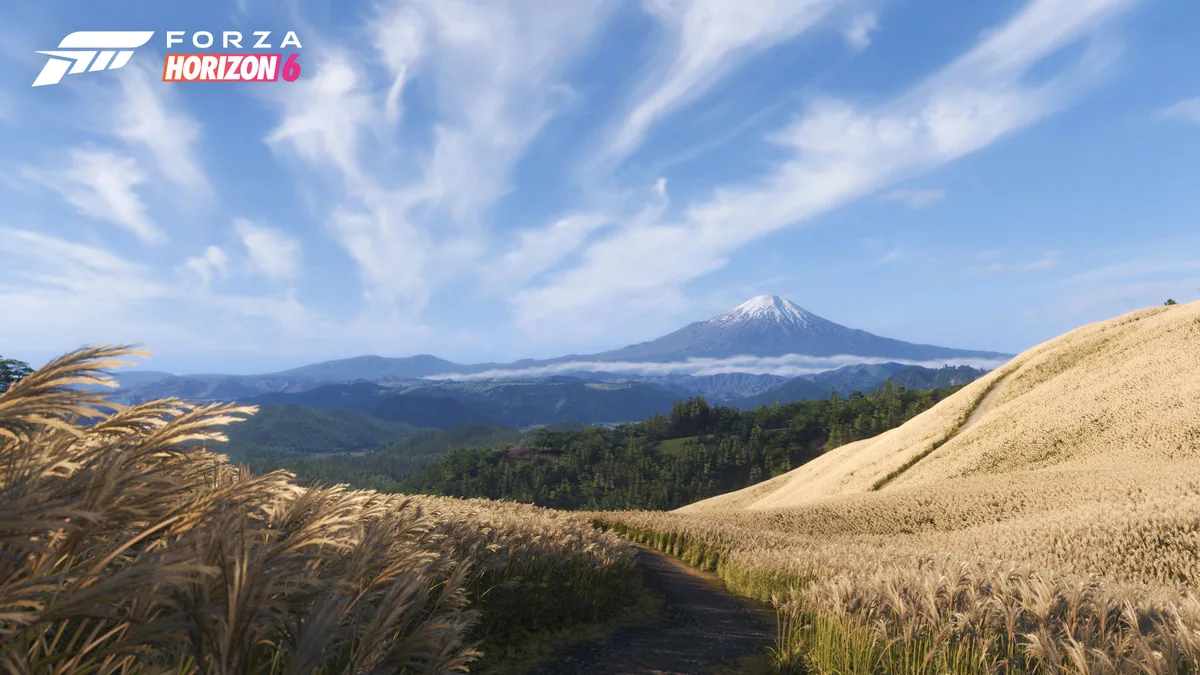
Forza Horizon 6 controller settings should make the car predictable before they make it fast. A clean finish beats a perfect-looking assist setup that sends you into every wall. Start with stability, then reduce help one setting at a time once you can feel what the car is doing.
Last checked: May 29, 2026. Exact setting names should be checked in the current build.
Quick Answer
| Setting area | Tune when |
|---|---|
| Steering | Cars feel twitchy or slow to turn |
| Braking | You overshoot corners |
| Traction or stability | Launches or dirt exits feel messy |
| Deadzone | Stick drift or delayed steering appears |
| Camera | You cannot read corners or traffic |
| Vibration | Feedback distracts or helps too much |
Tuning Order
- Pick one car.
- Drive one road event.
- Adjust steering or assists.
- Drive the same route again.
- Change one setting at a time.
- Repeat on dirt before saving the setup as your default.
Assist Habits
| Player type | Better assist approach |
|---|---|
| New player | Keep enough help to finish cleanly |
| Returning player | Reduce assists one at a time |
| Drift player | Tune around throttle and slide control |
| Playlist player | Use whatever setup clears the task reliably |
Next Pages To Open
- Forza Horizon 6 Best Starter Cars
- Forza Horizon 6 Festival Playlist
- Forza Horizon 6 Crash Fixes
- Forza Horizon 6 Hub
Sources
FAQ
What controller settings should I change first?
Start with steering feel, braking assist, traction or stability help, camera, vibration, and deadzone if the car wanders.
Should beginners turn off assists?
Not immediately. Finish clean races first, then reduce assists one at a time.
Do settings change by event type?
Yes. Dirt, drift, road, and PR stunts can feel better with different assist and car choices.